Creating a Clean Workstation With Under-Desk Cable Routing
Creating a Clean Workstation With Under-Desk Cable Routing

Creating a Clean Workstation With Under-Desk
Cable Routing
Under-desk cable routing is a way to organize and hide the cables and wires under your desk to keep your workspace neat and clutter-free. This solution involves using cable trays, clips, or sleeves to secure and guide the cables along the underside of the desk. This not only improves the look of your setup but also reduces the risk of tripping or damaging the wires. Keep items organized and easy to access with our tips for creating a clean workstation with under-desk cable routing.
Benefits of Under Desk Cable Routing
A clean and organized workstation enhances both productivity and mental clarity. Proper under-desk cable routing helps eliminate clutter by keeping cables neatly arranged and out of sight, creating a more focused work environment. Additionally, organizing your cables reduces the risk of tripping hazards, promoting a safer workspace. Whether at home or in an office, effective cable management not only improves aesthetics but also ensures safety for everyone in the area.
Improved Aesthetics
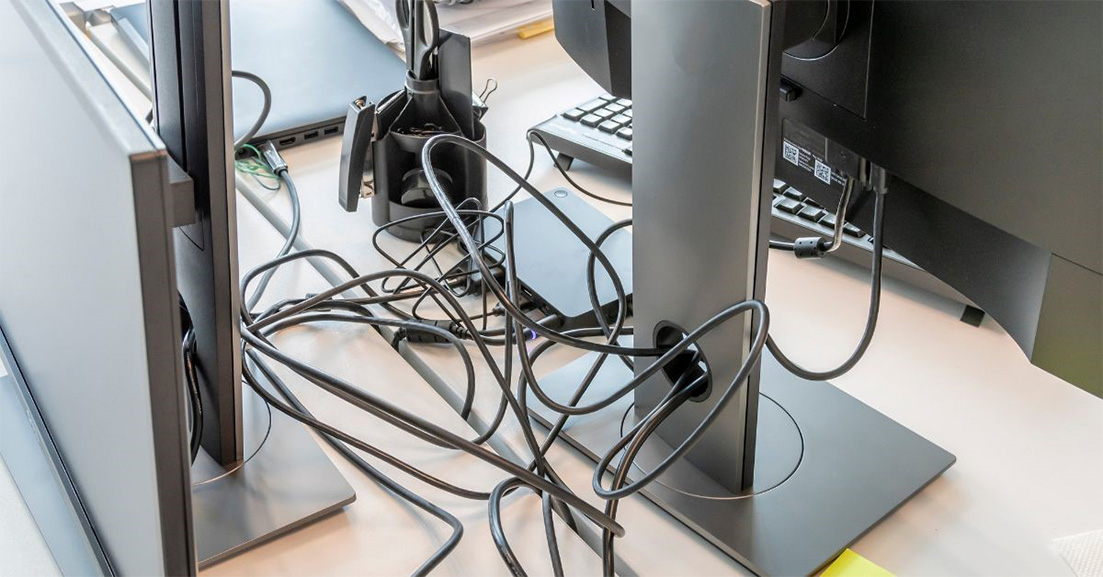
A cluttered desk full of tangled wires can create visual chaos and distract from the sleek design of modern office furniture. Desk grommets solve this problem by hiding unsightly cords, giving your workspace a polished and professional appearance. Clean lines and reduced cable visibility elevate the overall look of your office environment.
Desk grommets are available in different colors, materials, and finishes. Round plastic, metal, and wood grommets are some of the most popular options for office spaces. They can complement various desk styles, making it easy to incorporate technology into your interior design seamlessly. Whether you’re managing cables for a single desk or a large conference table, there’s a grommet solution to suit your needs.
Choosing Cable Management Tools
Choosing the right cable management solution depends on the layout of your workspace, the number of cables you need to manage, and how you want to maintain accessibility while keeping cables hidden. Each product is designed to address specific challenges, such as organization, safety, and aesthetics. disconnections.
Grommets
Grommets create clean, smooth holes in your desk through which cables can pass without risk of damage. They help prevent fraying or wear by protecting cables from sharp desk edges, ensuring longer camper life. If you need to route multiple cables through your desk and want a neat and professional finish, grommets are essential.
Floor Covers
Floor covers are used to conceal cables that run along the floor, reducing the risk of tripping and keeping cables in place and out of the way. These covers can also protect your cables from wear and tear caused by foot traffic or other environmental factors. These covers are sleek, low-profile channels that match various floor types and can be installed by simply placing them over the cables and pressing them into place.
Wire Managers
Wire managers for desks, including cable clips and trays, organize and bundle your cables. You can play them on the underside, sides, or back of your desk or table. They prevent cables from tangling, reducing clutter and potential hazards. If you have multiple cables or power strips under your desk, wire managers are a great solution to keep everything organized and easy to access.
Mockett offers some of their most popular cable management styles to suit a wide range of workstations, including traditional desks and sit-stand setups. With versatile designs and practical features, these products help keep your workspace organized and efficient.
J-Shape Cable Manager
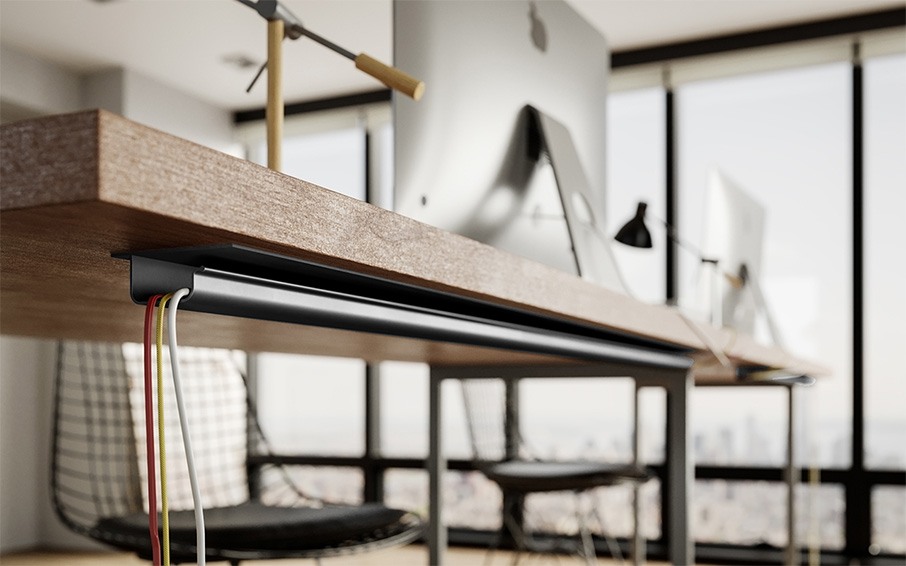
The J-shape Cable Manager is a great choice for environments where cables need to be frequently moved or kept tidy. Its clean, modern design makes it easy to install and use daily. The “J” shape allows for easy cable insertion; just open the top slightly and slip wires inside. It can be secured to the desk’s back or side using optional double-sided tape.
J-Shape Under-Desk Manager with Flange
This wire manager builds on the J-shape design but includes a flange for secure attachment under the desk. The larger size and dual-flange design ensure cables stay organized and out of the way.
G-Shape Wire Cable Manager
The G-Shape Wire Cable Manager features a flexible corner opening that simplifies wire insertion, providing a secure, customizable way to keep cables organized. This cable manager mounts vertically or horizontally under the desk, making it adaptable for different setups. You can secure it using double-sided tape, staples, or screws, depending on your preference.
Snake Wire Manager
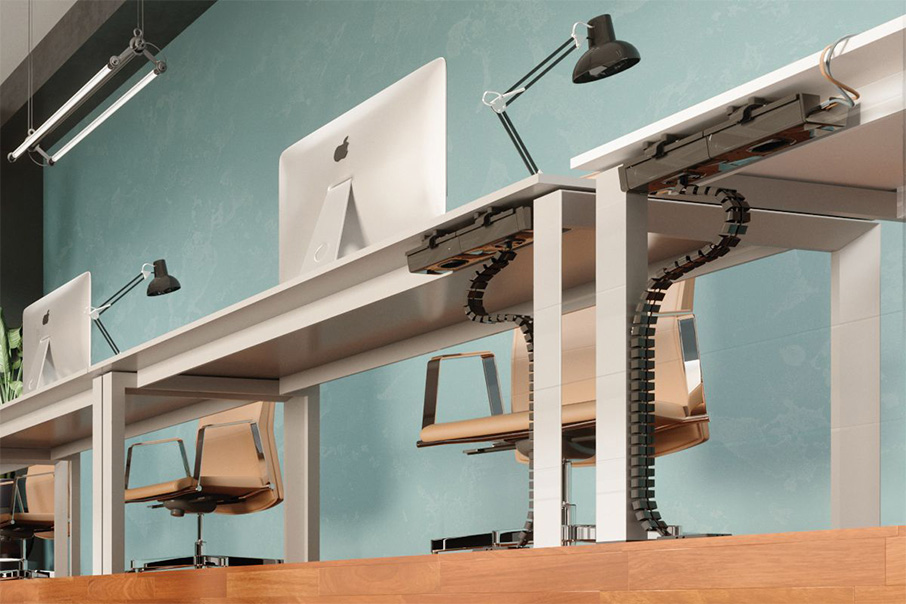
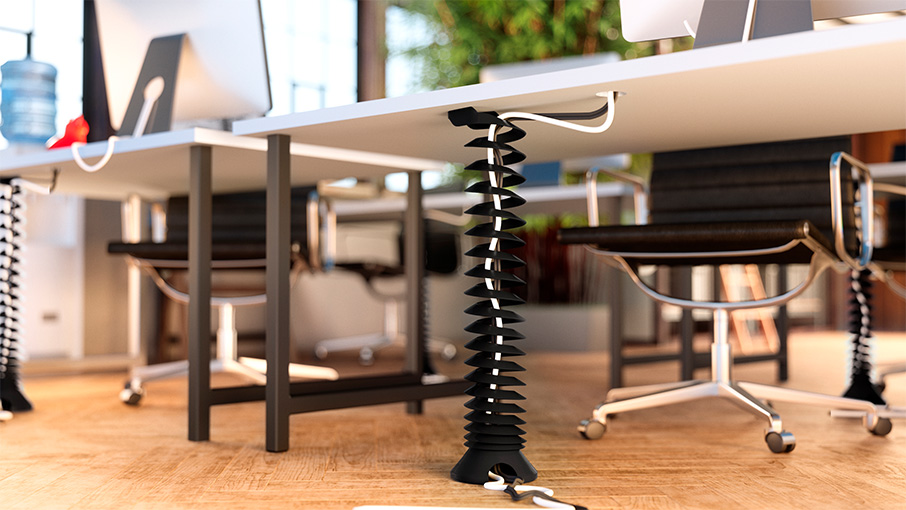
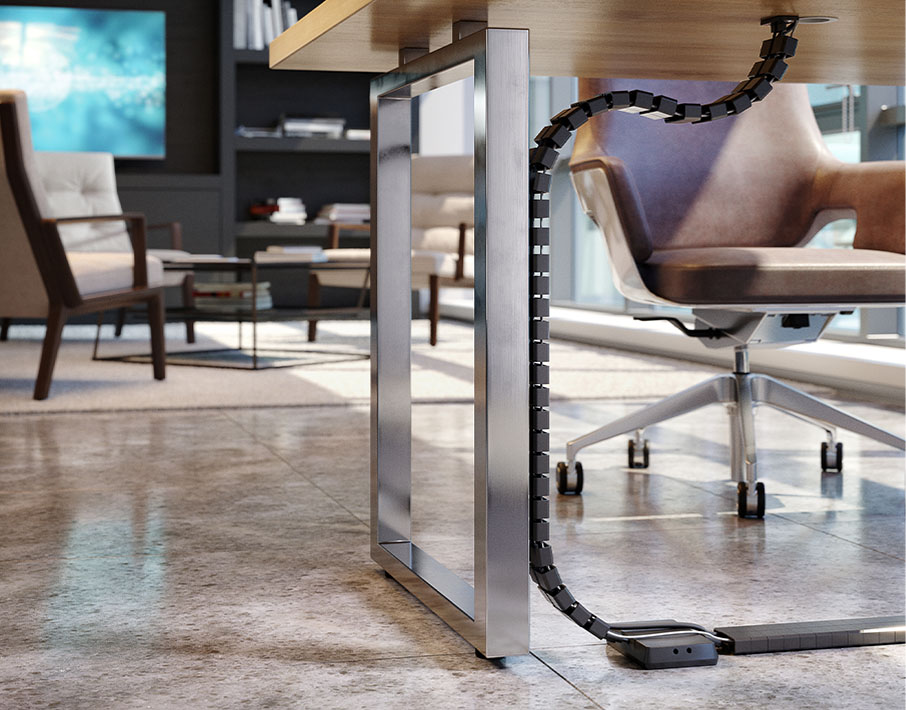
For those who want to showcase their cables in a unique way, the Snake Wire Manager is a flexible and stylish solution available in several colors. It is particularly useful for sit-stand desks or adjustable workstations, as it moves with the desk’s height adjustments. The flexible vertebrae design features rectangular blocks that snap together and can bend to accommodate various cable configurations.
Step-by-Step Guide to Setting Up
Always refer to the manufacturer's guidelines, but the following steps provide a general approach to organizing your cables.
• Gather all your cables and identify which ones need to be routed under the desk.
• Categorize cables by type and length to ensure an organized setup.
• Measure the space under your desk and decide where the cables will run, considering obstacles like legs or other equipment.
• Determine the exact length of cables needed for each route.
• Choose the appropriate cable management products, such as cable trays, grommets, and floor covers.
• Cut holes for grommets if needed.
• Thread cables through the grommets or trays.
• Secure cables with cable ties or clips to prevent them from shifting or tangling.
• Leave enough slack in the cables for movement.
• Double-check that the cables are organized and do not create safety hazards or obstacles.
Keeping Cables Safe and Tangle-Free
Take time to plan the best path for each cable, considering obstacles such as desk legs and equipment. Over-tightening cables can damage the wires and affect their performance. Leave a bit of slack to prevent cables from getting stretched or pinched.
Keeping cables tangle-free is important for both functionality and longevity. Use cable organizers such as clips, sleeves, or spiral wraps to bundle cables and prevent them from getting knotted. Regularly check for wear, such as fraying or bending, and replace damaged cables. Cable covers or sleeves can provide extra protection against friction or pressure.
Maintaining Your Clean Workspace
An organized cable management system requires minimal maintenance. Periodically check the cables for any signs of wear, damage, or tangling. Reorganize cables as necessary, especially if you add new equipment to your desk. Prevent dust buildup by wiping the cables regularly, using cable covers, or installing a desk-mounted dust guard.
Additionally, invest in high-quality cable management products that are durable and long-lasting. While it may require a bit more upfront investment, durable products will save you time and effort in the long run by requiring less frequent replacement.
Creating a clean workstation with under-desk cable routing improves safety and extends the life of your cables. Wire managers, including J-shape and Snake models, secure cables out of sight and offer solutions for both traditional and adjustable desk setups. Equip your workspace with grommets, floor covers, and wire managers, and other tools to organize your wires and keep them accessible.